Synced
Expense Claims

Employee expenses, handled.

Your team forwards receipts from Gmail. Synced extracts them, checks against policy, and queues reimbursements. No forms. No spreadsheets.

What Synced automates

The jobs the agent owns.

Gmail receipt capture

Employees forward receipt emails or take a photo. Synced does the rest.

Line-item extraction

Itemised receipts parsed with tax, tip, and category per line where available.

Policy checks

Rules for per diems, alcohol, thresholds, and receipt-required amounts — enforced automatically.

Reimbursement workflow

Approved claims batch into reimbursement runs with payment files for payroll.

Manager approvals

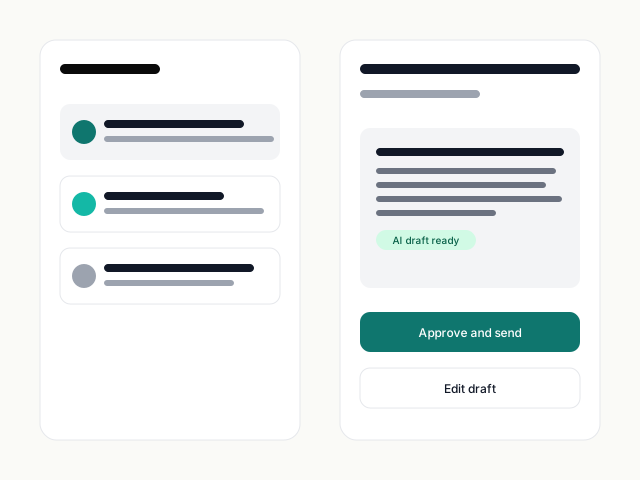
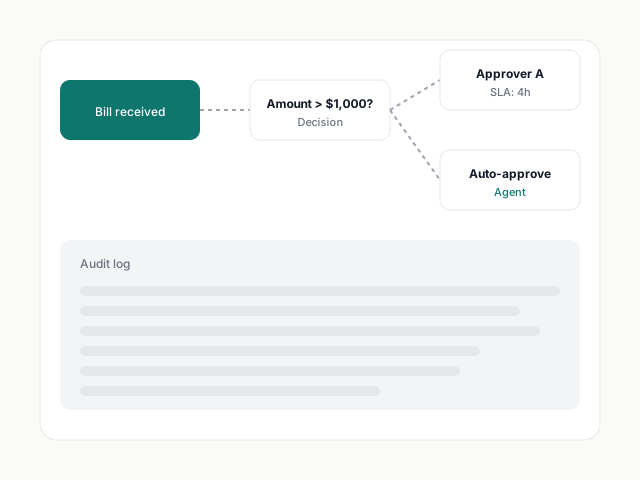
Policy-aware approval routing with email-based actions for managers who don't use Synced daily.

Audit-ready receipts

Every claim keeps its source receipt image and extraction log, available for tax time.

Before vs. after

Your workflow, rewritten.

Before Synced
  • Employees submit PDFs in a monthly claim spreadsheet.
  • Finance checks each line against policy manually.
  • Managers approve in bulk without reading.
  • Reimbursements happen late, with errors.
With Synced
  • Employees forward receipts as they happen.
  • Policy checks run automatically; violations flagged.
  • Managers approve the exceptions, not the routine.
  • Reimbursements happen on schedule.
Gmail capture

Receipts live in email. Your claims should too.

Synced plugs into Gmail (or Outlook). Forward a receipt from your phone. It's in the system before you put your phone down.

  • Works with personal and shared inboxes
  • Photo-to-receipt in under 10 seconds
  • No mobile app required
Gmail with a receipt being forwarded to Synced
Policy

Policy that enforces itself.

Write your expense policy once. Synced checks every claim against it: receipt required over $25, no alcohol on Monday client dinners, per-diem caps per city.

  • Plain-English rules
  • Auto-flag policy violations
  • Exceptions routed to the policy owner
An expense policy with rules written in plain English
Ledger depth

Works with your chart of accounts.

Claims post to Xero or QuickBooks as bills against the employee — ready for reimbursement in your next payroll run.

Expense claims used to eat a Friday. Now the team submits from the road, the agent checks policy, and I approve from my phone.
Sarah Whitaker
Finance Lead, Orbit Logistics
Read the story →

Common questions.

Do employees need a login?

No. The free tier lets employees submit via email only. You pay per reviewer/approver, not per employee submitter.

Can I enforce receipt-required rules?

Yes. Policies can require a receipt over a threshold, and the agent holds claims back until one is forwarded.

Does this work for mileage and per diems?

Yes — per-diem caps by city/country and mileage at your chosen rate. Both post to the ledger with the right tax treatment.

Start free. Connect Xero in 60 seconds.

No credit card. No forced demo. Connect Xero, drop in a bill, and watch Synced extract, code, and ready it for sync — in seconds.