Synced
Bookkeeping

Close the month in hours, not days.

Agents code transactions, reconcile your ledger, and flag exceptions. You approve the edges. Synced learns your chart of accounts so next month is faster.

What Synced automates

The jobs the agent owns.

Bank transaction coding

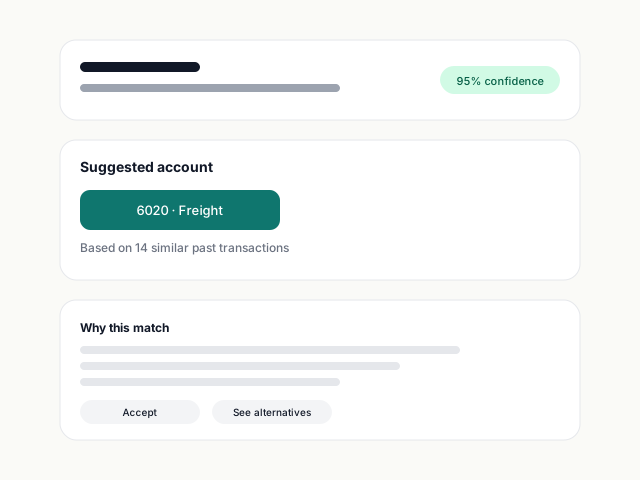
Every bank line categorised against your chart of accounts, with confidence scores and source matching.

Receipt & bill data entry

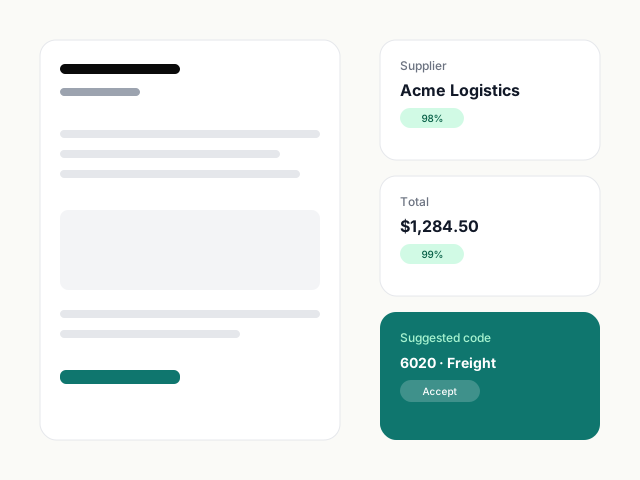
Forwarded or uploaded documents turn into structured bills with line items, VAT, and supplier details intact.

Supplier bill processing

Recurring suppliers are recognised, coded, and posted automatically after the first correction.

Reconciliation assists

Matches bank transactions to bills and invoices, surfaces the un-matchables for a quick human call.

Exception flagging

Unusual amounts, duplicate bills, and coding uncertainties surface in an approval queue — not buried in a report.

Audit trail

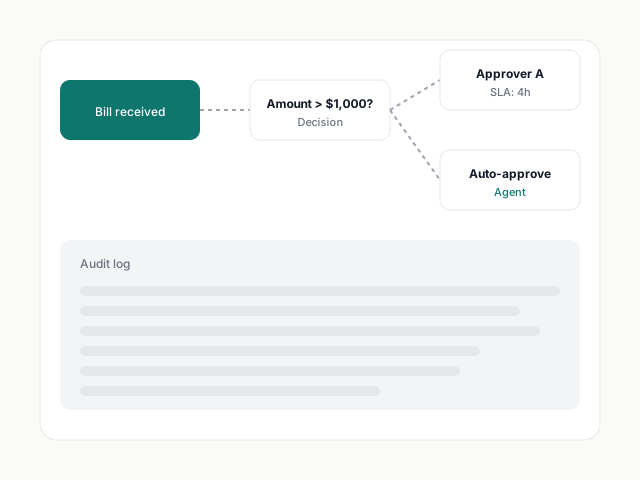
Every agent action is logged with confidence, source document, and version. Audit-ready from day one.

Before vs. after

Your workflow, rewritten.

Before Synced
  • Open Xero. Start coding bank transactions one by one.
  • Chase receipts from the team. Manually enter each one.
  • Reconcile accounts at month-end. Hunt for the $3.47 discrepancy.
  • Close the month on a Saturday. Again.
With Synced
  • Forward receipts from email. Synced extracts and codes them.
  • Bank transactions auto-coded with your rules. Exceptions in a queue.
  • Reconciliation suggested, one-click to confirm.
  • Month closed by Tuesday. With confidence.
Supplier rules

The agent learns every supplier you correct.

First time the agent sees a supplier, it guesses. You correct it once. From then on, it codes every bill from that supplier to the right account, tracking category, and tax rate — with your rule visible and editable.

  • Per-supplier default coding
  • Override by amount, date, or keyword
  • Version history on every rule
A supplier rule being created from a single correction
Batch coding

Code a hundred transactions in a single review.

Group by supplier, amount, or pattern. Approve in batches. The agent pre-codes the lot; you review and one-click confirm — or adjust where it matters.

  • Group by similarity
  • Bulk approve or adjust
  • Confidence-ranked so you review the riskiest first
A batch coding view with grouped transactions
Reconciliation

Suggested matches, ranked by confidence.

Synced matches bank lines to bills, invoices, and transfers across your ledger. It tells you why it matched and what it's unsure about — so you stay in control.

  • Multi-way match support
  • Source-document previews in the reconcile view
  • Unmatched items routed to your queue
Reconciliation view with a matched bank line and source bill
Ledger depth

Works with your chart of accounts.

Synced reads your full chart of accounts, tax codes, tracking categories, and contact list — and stays in sync both ways. Add an account in Xero and the agent uses it immediately.

Closed the month in a day instead of a week. I haven't touched a manual receipt since we switched.
Emily Park
Operations Manager, Lumen Studio
Read the story →

Common questions.

Can Synced handle multiple entities?

Yes. On Grow and Firm, Synced works across multiple Xero or QuickBooks organisations with per-entity rules and a single review queue.

What if the agent codes something wrong?

Every decision is reversible. The agent also lowers its confidence when its history shows corrections on similar transactions — so it asks before repeating a mistake.

Do I still need my bookkeeper?

If you have one, Synced makes their hour worth more. If you don't, Concierge fills the gap for month-end review and setup help.

Start free. Connect Xero in 60 seconds.

No credit card. No forced demo. Connect Xero, drop in a bill, and watch Synced extract, code, and ready it for sync — in seconds.